Understanding Online Audio Mastering
The Basics of Audio Mastering
Audio mastering is a crucial final step in the music production process, often compared to an art form in its own right. It is the process that enhances and prepares the audio tracks for distribution, ensuring that they convey the desired emotional impact and sound quality. This involves adjusting the audio levels, applying various effects, and ensuring each track sounds cohesive when played back with others. By understanding the nuances of online audio mastering, one can appreciate its importance in achieving professional-quality music.
Key Differences Between Mixing and Mastering
Mixing and mastering are often confused due to their interconnected roles in audio production. Mixing involves combining multiple audio tracks, adjusting their levels, panning, and effects to create a harmonious sound. Mastering, on the other hand, focuses on the final polish of the mixed track. It enhances the overall sound, balances the frequency spectrum, and prepares the final product for various formats and platforms. Understanding these distinctions is crucial for anyone looking to enhance their audio skills.
Tools Required for Online Audio Mastering
To achieve professional audio mastering, certain tools are essential. Key tools include:
- Equalizers (EQ): Used to adjust the frequency balance of the track.
- Compressors: Control dynamic range and maintain consistent levels.
- Limiters: Prevent distortion by setting a ceiling for audio peaks.
- Mastering software: Programs like Pro Tools, Logic Pro, or dedicated mastering software like Ozone offer advanced features for precise control over audio output.
Steps to Achieve Professional Sound
Preparing Your Tracks for Mastering
Preparation is critical for effective mastering. Start by ensuring your mix is balance, not too loud or too soft. Export the mix in a high-resolution format (24-bit/48kHz or higher is recommended). Avoid any pre-master limiting or heavy compression, allowing the mastering engineer room to work. Clean up any unwanted noise or artifacts and leave some headroom (about -6dB) to avoid clipping during the mastering process.
Applying Equalization and Compression
Equalization plays a vital role in mastering. It allows for enhancing clarity and presence, or attenuating harsh frequencies. When applying EQ, focus on subtle adjustments, usually in the range of 1-3 dB. Compression helps maintain a consistent dynamic range, ensuring that the quieter and louder parts of the track blend seamlessly. Each track deserves a unique approach, as the requirements may vary significantly based on the genre and style.
Finalizing Your Master and Formats
Once the equalization and compression are applied, it's time to finalize your master. Listen at different volumes and on various playback systems to ensure it translates well. Export the final master in the required formats, typically WAV for high quality and MP3 for online streaming. Consider creating specific masters for different distribution platforms to meet their specifications.
Common Challenges in Online Audio Mastering
Dealing with Inconsistent Levels
Inconsistent levels can undermine the quality of a master. This often stems from variations in recording levels during the mixing phase. To combat this, use consistent gain staging during the mixing process, and apply careful compression during mastering to ensure uniformity across tracks.
Addressing Frequency Muddiness
Frequency muddiness often occurs when too many overlapping frequencies occur in a mix. To address this, use EQ to carve out space for each instrument. Focus on removing frequency clutter in the 200-500 Hz range where muddiness often resides. Ensuring clarity in the low-end frequencies will significantly enhance the overall sound.
Avoiding Over-Compression
Over-compression can lead to a flat and lifeless sound. Skilled mastering engineers often apply compression lightly to avoid losing the dynamic range. Aim for a natural sound, enhancing impacts while still allowing for some musical breathing room. Regularly reference your work against professionally mastered tracks to gauge your progress.
Best Practices for Effective Mastering
Listening Environment Setup
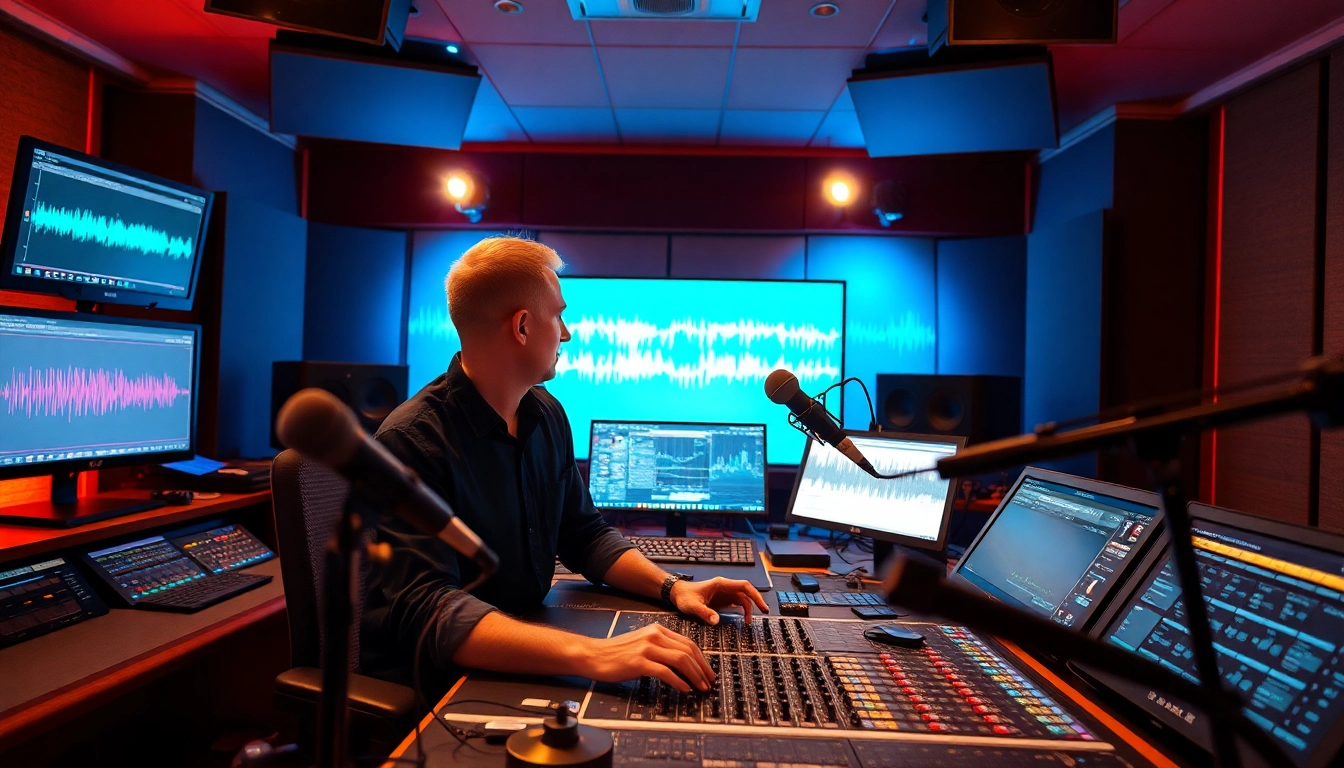
A critical aspect of mastering is the listening environment. A well-treated room minimizes reflections and background noise, allowing for accurate sound assessment. Invest in good studio monitors and acoustic treatment to ensure your environment supports the mastering process, which directly affects the quality of the final output.
Reference Tracks for Comparison
Using reference tracks can provide invaluable insights into the mastering process. Select professionally mastered songs in a similar genre to your work. Compare tonal balance, loudness, and dynamics. This helps to set a benchmark, guiding your mastering decisions and ensuring your project meets industry standards.
Using Mastering Plugins Effectively
Mastering plugins are essential tools in the mastering process. Familiarize yourself with how to use them effectively to maximize your sound quality. Experiment with different settings and learn the subtle nuances of each plugin. Technologies such as mid/side processing, stereo widening, and multi-band compression can significantly enhance the final product.
FAQs About Online Audio Mastering
What is online audio mastering?
Online audio mastering is the final step in music production, ensuring tracks have optimal sound quality for distribution.
Is mastering different from mixing?
Yes, mixing combines individual tracks while mastering polishes the final mix to enhance sound and prepare it for release.
What are essential tools for mastering?
Key tools include equalizers, compressors, limiters, and mastering software that provides precise control over audio output.
How long does mastering take?
The mastering process can vary, typically taking a few hours to a couple of days, depending on the project complexity and length.
Can I do online audio mastering myself?
Yes, with the right tools and knowledge, you can achieve quality mastering, but professional help is recommended for best results.
Mastering audio is an essential skill for any audio engineer or music producer. Whether you are handling it in-house or outsourcing it, understanding the process will enhance your overall audio production quality.